How AI X-Ray Filters Actually Work
Inside the generative AI tech behind X-ray, thermal, and night vision filters — prompts, image-to-image models, and why it's not real radiography.
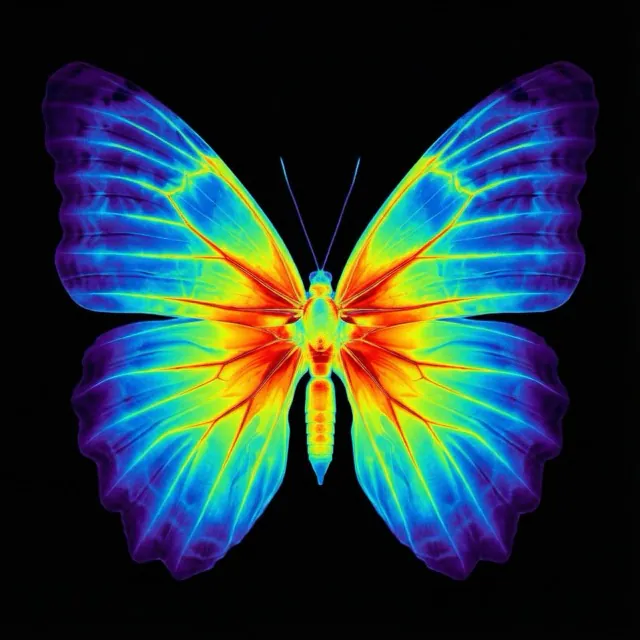
Open any AI photo app, apply an “X-ray” filter, and in a few seconds you get a realistic bone-revealing render. No hospital, no radiation, no special hardware. How?
This post walks through what's actually happening under the hood — and what isn't.
The short answer
AI X-ray filters don't use X-rays at all. They use image-to-image generative AI — models that take your photo as input and repaint it in a specified style while keeping the subject's pose and composition intact.
Think of it like an instant, hyper-specific Photoshop filter that understands what's in your image, not just its pixels.
Behind the scenes — image-to-image generation
Modern multimodal models (like Google's Gemini image models or OpenAI's vision models) accept both text prompts and images as input. When you tap “Thermal” in an app like X-Ray Camera, it sends:
- Your photo, encoded as a base64 string
- A style prompt describing the visual aesthetic to apply (heatmap gradient, green phosphor, skeletal X-ray, etc.)
- The target aspect ratio, so the output matches your input
The model runs the image through its generative pipeline and returns a newly rendered version. Latency is usually 5–15 seconds depending on resolution and server load.
Why preserving pose matters
If the model is too creative, you lose the subject. A good X-ray prompt explicitly instructs the model to preserve the exact pose, framing, and camera angle from the input — only swapping the visual style.
Get that wrong and your photo becomes a random skeleton in a random pose. Get it right and it feels like your original photo was taken with night vision goggles or a thermal camera all along.
Three styles, one pipeline
Each of X-Ray Camera's styles uses the same underlying AI model. The only thing that changes is the prompt text:
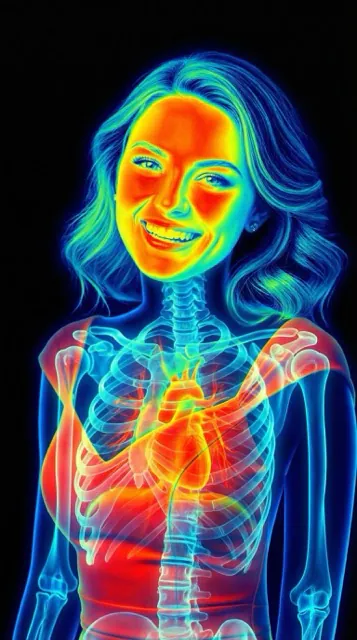
- Thermal: vibrant heatmap gradient from deep blues to intense reds
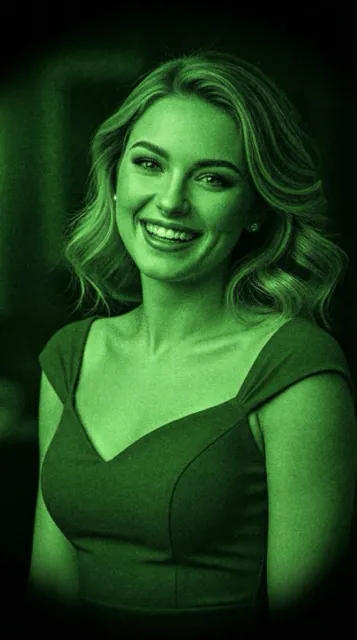
- Night vision: monochromatic green phosphor with grain and bloom
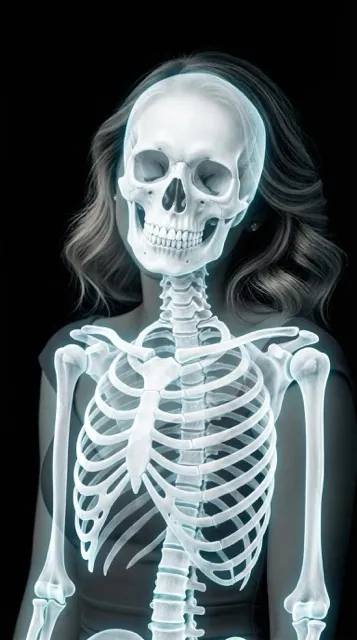
- Skeleton: bright white bones against a dark background, with a subtle cyan glow on bone edges
This is why new styles can be added without any model retraining — just a new prompt template.
It's not real radiography
Just to be crystal clear: no photons are being measured, no infrared is being captured, no bones are being imaged. These are artistic renders generated by a neural network trained on millions of images. They look scientific but they're not diagnostic — don't use them for anything medical.
Try it yourself
Want to see the pipeline in action? Download X-Ray Camera on iOS or Android, pick any photo, and tap a style. You'll get a render in about 10 seconds.
Keep reading
Try X-Ray Camera Free
Transform any photo with AI — thermal, night vision, or skeleton styles.